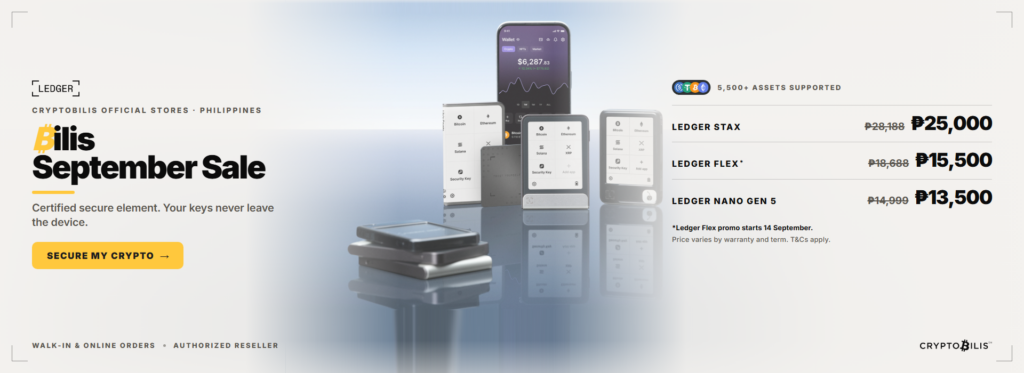
Is It Time for a Hardware Wallet Upgrade? Ledger Stax, Flex, and Nano Gen 5 Compared
Last updated: September 2026. Pricing and promo details below reflect CryptoBilis PH’s September sale, which runs through the end of the month. If you’re reading this later, check current prices at cryptobilis.com.ph before you buy, the comparison and buying advice still hold either way. This post is for general product education only, not financial or investment advice.
Quick Answer
Your first hardware wallet is probably still doing its job fine, so a hardware wallet upgrade isn’t something you need out of fear. It starts making sense once your portfolio has outgrown your device’s app storage, once you’re squinting at a tiny screen trying to confirm a 42-character wallet address, or once Bluetooth-free-desk convenience actually matters to how you manage your crypto day to day. Ledger’s current lineup gives you three ways to level up: the Nano Gen 5 for the classic Nano feel on newer hardware, the Flex for a genuinely bigger E Ink screen, and the Stax for the full touchscreen, card-sized experience. All three are on sale through CryptoBilis PH this September, with savings between ₱1,499 and ₱3,188 depending on the model.
You Bought Your First Wallet a While Ago. Ang Bilis Pala nang Panahon.
Maybe you got your Nano S Plus back when CryptoBilis first opened in 2021, or grabbed a Trezor One during one of the early Bitcoin Pizza Day booths. Good move. You got off the exchanges before the Binance PH restrictions hit, and your coins have been sitting safely offline ever since.
Your portfolio looks different now. Maybe you’re holding more chains than that first device can comfortably manage. Maybe you’ve started dabbling in NFTs or DeFi and keep running into app storage limits. Or maybe you just want to double check a withdrawal address without holding the device six inches from your face.
Your old wallet didn’t fail you. You outgrew the setup that got you started, and that’s a good problem to have.
Paano Mo Malalaman Kung Kailangan Mo Nang Mag-Upgrade?

A hardware wallet upgrade is worth considering when one or more of these sounds familiar:
- You keep deleting apps to make room. Older Nano devices cap out around 3 to 6 apps installed at once depending on their size, so if you’re constantly uninstalling Solana to reinstall Bitcoin, that’s a real limitation, not a mood.
- You can’t comfortably read a full wallet address on your screen. This isn’t a nitpick. Address poisoning scams rely on you not double checking the full string because your screen only shows a few characters at a time.
- You want Bluetooth so you’re not tethered to a laptop. Managing crypto from your phone while you’re out running errands in Trinoma or waiting for your Grab is a real use case for a lot of our customers.
- Your device is a few years old and starting to feel it. USB ports wear out, buttons get sticky, batteries degrade. Hardware has a lifespan like anything else.
- You’re building out a family or estate setup. Some people keep their original wallet as a dedicated cold storage vault and use a newer device for active management, splitting the risk instead of putting everything on one piece of hardware.
If none of these describe you, walang problema, keep using what you have. If two or more do, keep reading.
Meet the 2026 Ledger Upgrade Lineup
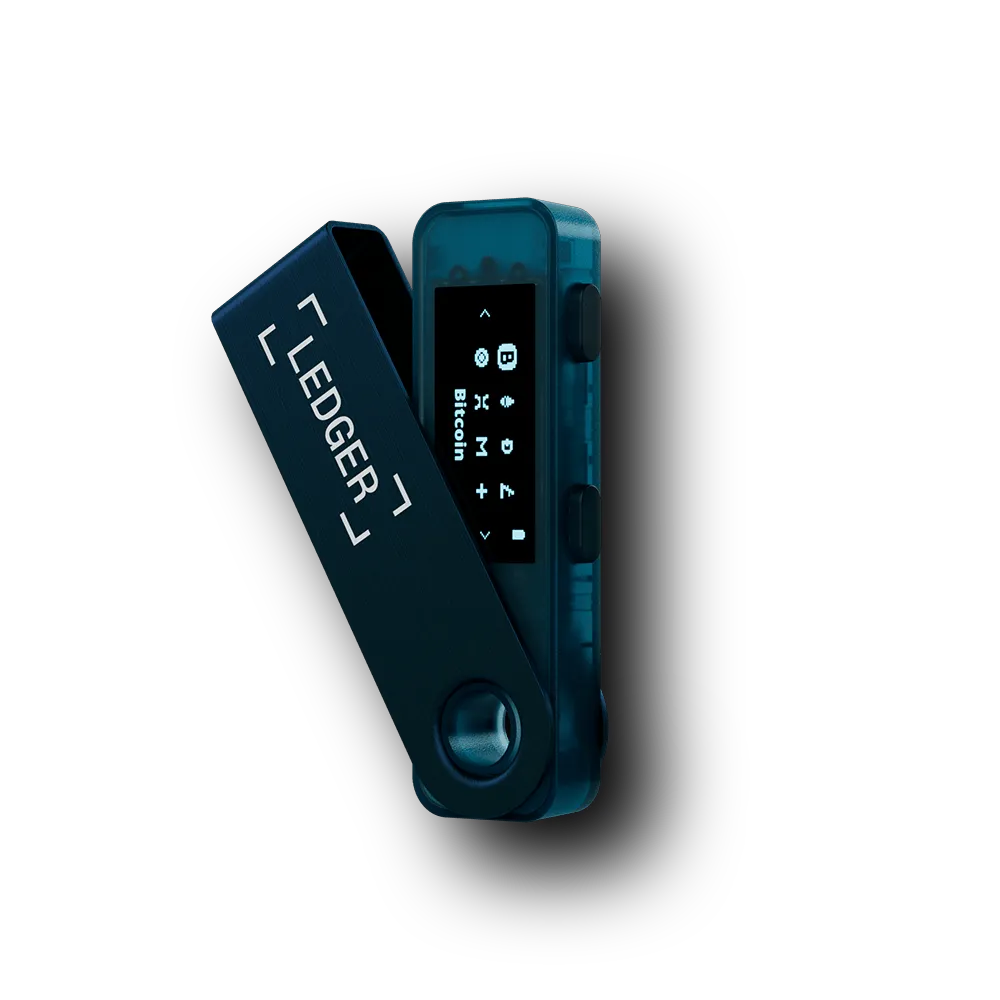
CryptoBilis carries the full current Ledger range as an authorized reseller, and three models specifically make sense as upgrade paths from an older Nano or Trezor: the Nano Gen 5, the Flex, and the Stax. Here’s how they actually differ.
| Wallet | Screen & Form Factor | Connectivity | Best Upgrade Path For |
|---|---|---|---|
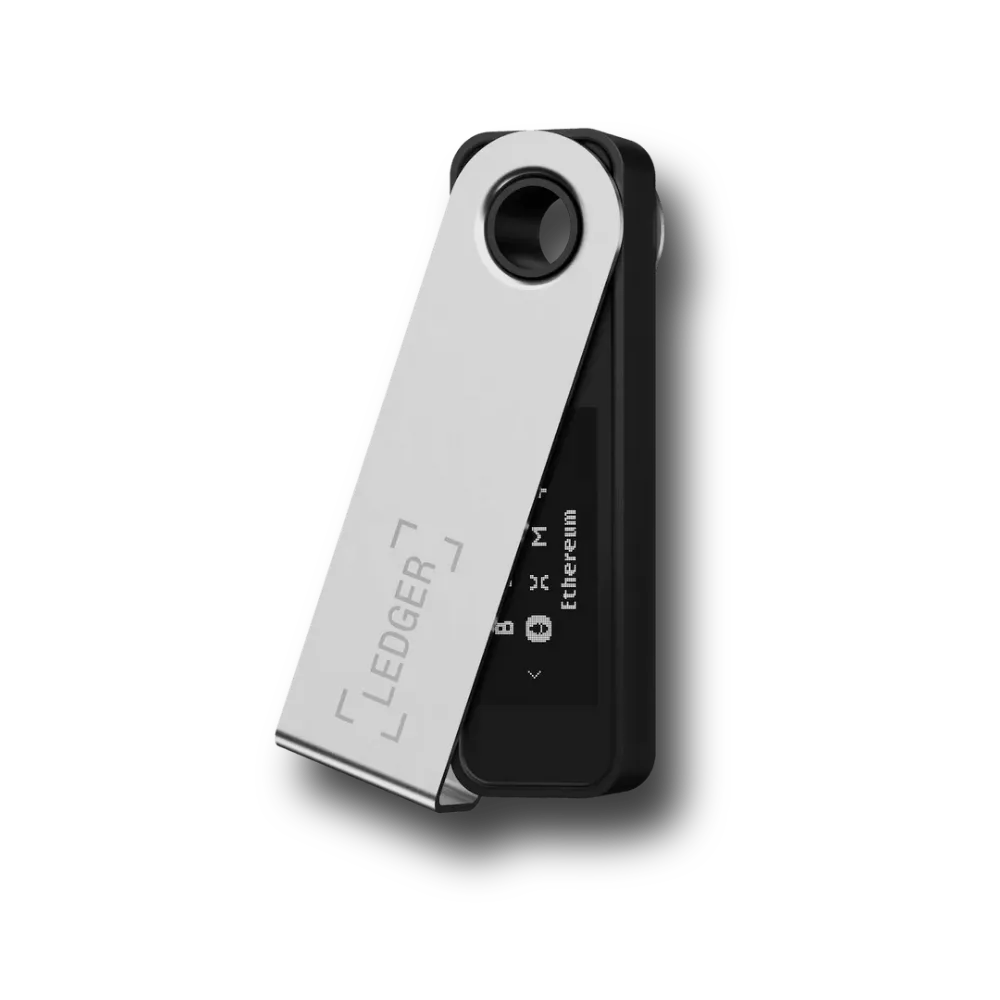
| Ledger Nano Gen 5 | Compact device, Ledger’s newest Nano-line hardware | USB-C, Bluetooth | Nano S Plus or Nano X owners who want modern hardware without changing form factor |
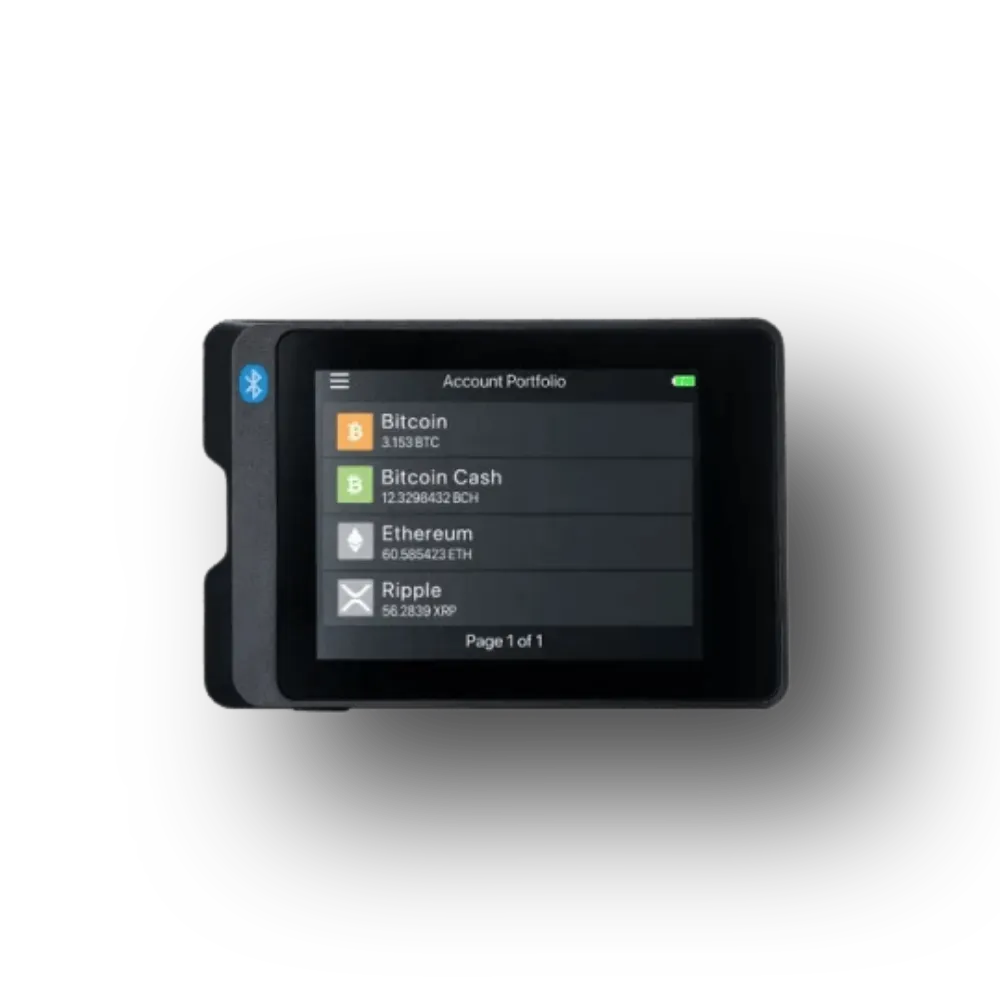
| Ledger Flex | E Ink touchscreen, noticeably larger than any Nano | USB-C, Bluetooth | Anyone tired of squinting at addresses on a tiny screen |
| Ledger Stax | Curved E Ink touchscreen, credit card-sized | USB-C, Bluetooth | Portfolio managers who want the full touchscreen experience and don’t mind paying for it |
All three run on Ledger’s Secure Element chip and connect through Ledger Live, so if you’re already used to that app, you won’t have much to relearn. The real differences are screen size, form factor, and price. [cite: source]
Which One Actually Fits Your Setup
Ang totoo, wala namang “best” dito, may fit lang bawat isa depende sa habits mo. Here’s how we’d sort it based on the customers we see walking into the Quezon City or Makati store:
If you’re a security-conscious investor whose portfolio has genuinely grown, the Flex is probably your best fit. You get the bigger screen for address verification and Bluetooth for mobile management, without paying Stax money for a form factor you might not need.
If you’re a Web3 builder or someone juggling multiple chains, dApps, and wallets, the Stax is worth the jump. The bigger screen matters when you’re confirming complex contract interactions, not just simple sends.
If you just want newer, more reliable hardware without changing how you already use your Nano, the Nano Gen 5 is the easiest upgrade. Same general workflow, modern internals, smaller price jump.
If you’re upgrading specifically because you’re managing crypto for family members (a common setup among our OFW customers sending remittances in USDT), consider keeping your old device as a dedicated storage wallet and getting a newer one for daily transacting. You end up with two wallets doing two different jobs, and none of your risk sits in a single device.
Do You Need to Move Your Crypto to Upgrade?
This is the question we get most often in-store. Upgrading your hardware wallet does not mean moving your coins anywhere risky or exposing them mid-transfer. Here’s how it works:
- Set up your new device with its own fresh recovery phrase. Don’t reuse your old seed phrase on a second active device unless you specifically intend to run them as mirrored backups.
- Send a small test transaction first. Before moving your full balance, send a small amount to your new wallet’s address and confirm it arrives before transferring the rest.
- Decide what happens to the old device. Some people wipe it and keep it as a spare. Some keep it active as a second cold storage wallet. Either is fine, just don’t leave a wallet with real value sitting around unused and unaccounted for.
About the September Sale (While It Lasts)
CryptoBilis PH is running a September promo on exactly the three wallets this post covers. Since you’re already comparing upgrade options, it seems fair to mention it here instead of pretending it doesn’t exist.
| Wallet | Regular Price | September Sale Price | You Save |
|---|---|---|---|
| Ledger Stax | ₱28,188 | ₱25,000 | ₱3,188 |
| Ledger Flex | ₱18,688 | ₱15,500 | ₱3,188 |
| Ledger Nano Gen 5 | ₱14,999 | ₱13,500 | ₱1,499 |
The Flex promo specifically started September 14, and the sale across all three runs through the end of September 2026. Final price can vary by color, storage variant, and warranty term, so the exact number at checkout might shift slightly from the base prices above. Available for walk-in purchase at our Quezon City store, Makati Store or online at cryptobilis.com.ph.
If you’re reading this after September, no need to feel like you missed the only chance. Prices reset to standard rates, but the comparison above still applies when you’re ready.
Frequently Asked Questions
Do I need to buy a new hardware wallet if my old one still works?
No. A working hardware wallet from a reputable brand remains secure for as long as its firmware is supported. Upgrading is about convenience, screen size, and app capacity, not a safety requirement.
Can I use two hardware wallets at the same time?
Yes. Many users keep an older device as a dedicated cold storage vault for long-term holdings and use a newer one for more active management, which spreads risk across two pieces of hardware instead of one.
Will upgrading to a Ledger Stax or Flex put my old wallet’s coins at risk?
No, as long as you follow proper transfer steps. Set up the new device with its own recovery phrase, send a small test transaction first, then move the rest once you’ve confirmed it landed correctly.
What’s the real difference between the Ledger Flex and the Ledger Stax?
Both use E Ink touchscreens and Bluetooth, but the Stax has a larger, curved screen and a credit card-sized form factor, while the Flex is a smaller device at a lower price point. [cite: source]
Is the Ledger Nano Gen 5 worth it over an older Nano X or Nano S Plus?
If your main frustration is app storage limits or you want more current hardware without changing your workflow, yes. If you specifically want a bigger screen, look at the Flex or Stax instead.
Where can I buy these in the Philippines with a real warranty?
CryptoBilis is a verified authorized reseller of Ledger products in the Philippines (confirmed on ledger.com/reseller), operating since 2021 with a physical store in Quezon City and documented warranty support on every unit sold.
The Bottom Line
Upgrading your hardware wallet means matching your setup to how your crypto habits have changed since you started. If you’re still comfortable with your first device, keep using it, there’s no rush. But if you’ve been quietly annoyed at a tiny screen or an app storage limit for months now, that annoyance is your device telling you it’s time.
Check out the full Ledger upgrade lineup, including this September’s pricing, at CryptoBilis.com.ph or visit us in Quezon City.